Title: Updating UT apps: uHome and Lomiri.action
Date: 2025-09-18 13:00
Author: alaskalinuxuser
Category: Phones
Tags: ubuntu touch, uhome, focal, update, xenial, lomiri
Slug: Updating UT apps: uHome and Lomiri.action
Status: published
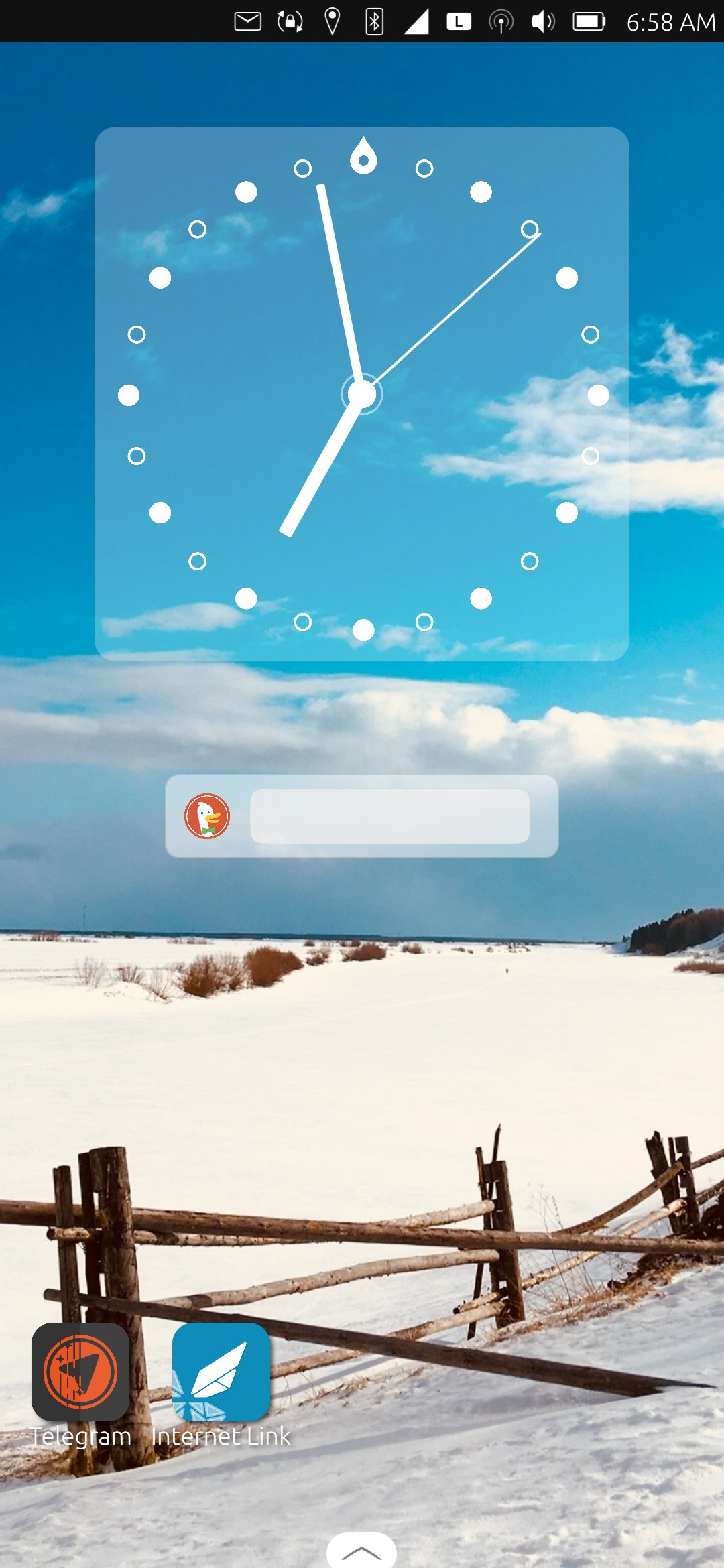
As I continue on my journey to update about 200 Ubuntu Touch apps from Xenial to Focal, I once again released more apps on the [open-store](https://next.open-store.io). One of those updates was for an app called uHome, which is sort of like an old school Android launcher application, making your screen look like and somewhat behave like a regular launcher.
For more interesting, though, was a problem I ran into with updating the qml code of an old app called Blackjack. Typically, I run this command in the qml directory for each app I am updating, to update the old references to Ubuntu and change them to Lomiri, it looks like this:
`$ find . -type f -name '*.qml' -exec sed -i 's/Ubuntu/Lomiri/g' {} \; -ls`
Which so far had worked fairly well for me. Unfortunately, this app threw me a curve ball, as it errored out with:
`initialize.qml:7:1: module "Lomiri.Unity.Action" is not installed`
While all the other Ubuntu components got replaced directly with Lomiri, such as Ubuntu.Components.Themes becomes Ubuntu.Components.Themes, but it turns out that Ubuntu.Unity.Action was actually replaced with Lomiri.Action, and I didn't know that was the case. It took me a while to research, and finding nothing (probably because I was searching Lomiri.Unity.Action), I asked on the telegram group for app development, and Stuart Ter Veer pointed me in the right direction.
Either way, there are now more aps on the open-store! If you want to follow along with my journey, here is a little table of my progress so far:
| Apps | Numbers |
| ----------- | ----------- |
| Released on Open-Store | 53 |
| Pending release | 12 |
| Cannot Update | 89 |
| Remaining | 45 |
| Total | 199 |
| Percentage complete | 77.4% |
Linux - keep it simple.